
Free
Requires a free licence.
- BEM Tools
- Bricks Modifications
- Content Helpers
- CSS Reference
- Framework Tools
- HTML Tag Selector
- Keyboard Shortcuts
BRXProd adds productivity tools to the Bricks Builder editor. Pick the way you work and see what it does for you.
See it in action
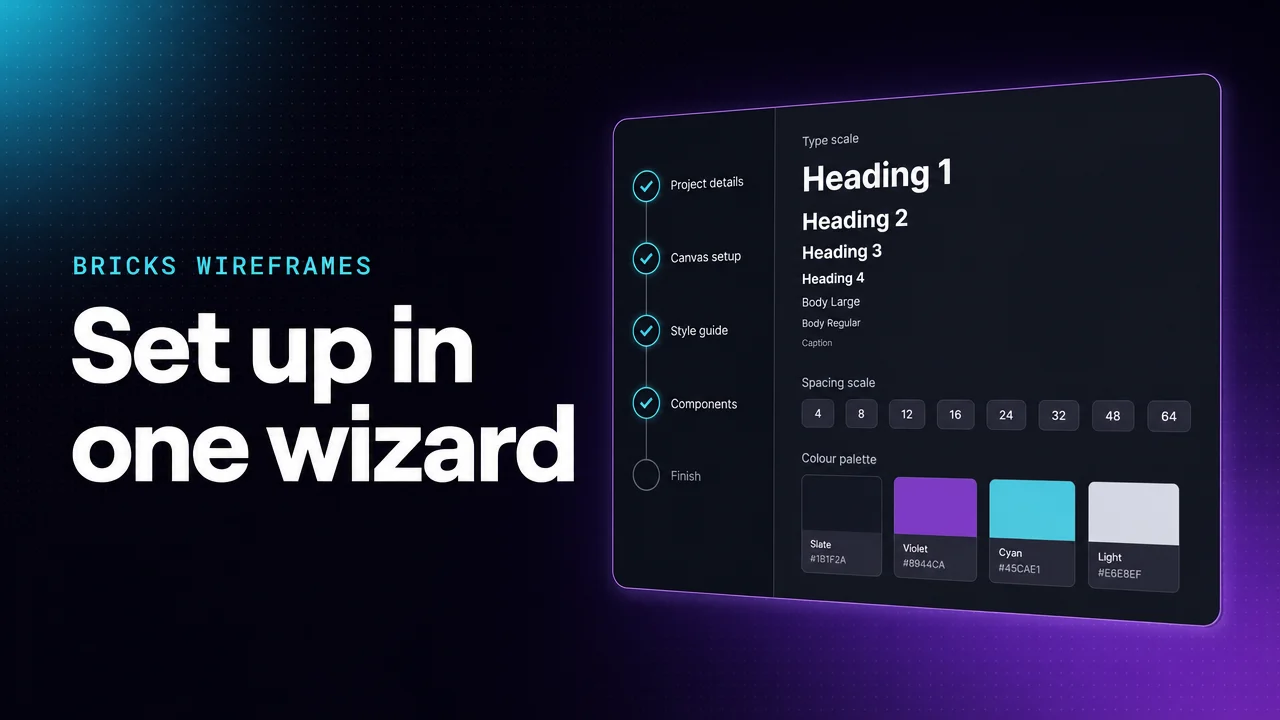
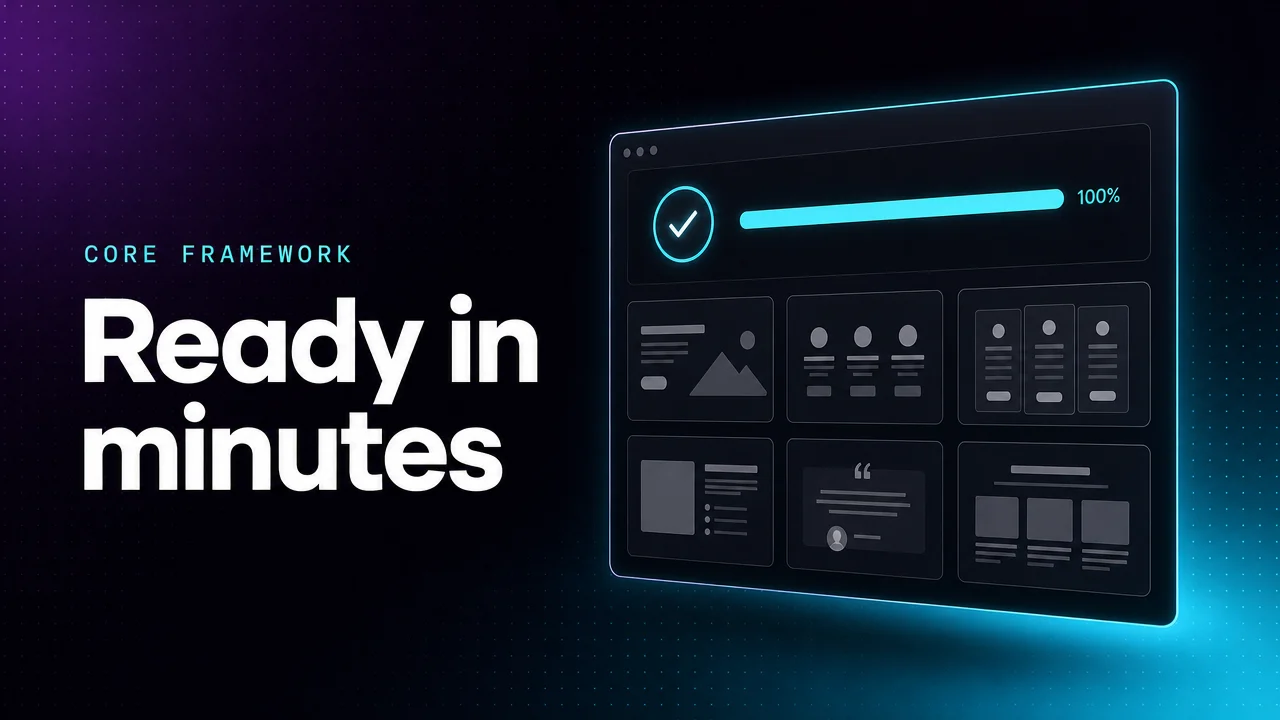
No config files, no copy-pasting variables. Pick a framework and the Quick Setup Wizard installs it, builds your type and spacing scales, and generates a full style guide page. Watch both setups from start to finish.
01 · Easy
Choose a framework and answer a few prompts. The wizard installs and configures everything for you.
02 · Complete
Fluid type and spacing scales, colours, surfaces and a style guide page, generated and ready to tweak.
03 · Worth it
Framework setup you used to redo for every client site now takes minutes.
You work in the Bricks settings panels and want faster, smarter controls, not code.
You skip the settings panels and style with CSS. You want an editor that keeps up.
You want to see the CSS behind your settings and start writing your own.
Not sure? See one task done all three ways.
Same task, three ways
The job: a grid of cards that fits as many 250px columns as the row allows, then wraps.
Across all three paths
A few of the tools inside BRXProd. Each path page has the full list.
Edit element, class and theme CSS in one panel. Keep it docked, or open it in its own window.
Type | plus a trigger and press Tab. Patterns adapt to where you use them, and the pattern toolbar inserts them in one click.
|maxw-60chTab ⇥max-inline-size: 60ch;
Tab shortcuts and typeahead as you type, including your site’s own CSS variables.
Turn an element’s settings into CSS you can edit, and move ID styles to a class.
Build CSS Grid layouts visually on any element: drag the row and column handles, then place each cell from the overlay toolbar.
Place content on the content, wide or full-bleed rail with one class.
Standard, inverted and outset corners, ready to apply.
Look up any property and check browser support with Baseline badges.
Clients pin feedback on the live page. Notes keep builder notes at site, page, element or personal scope.
Free and Pro
The Free tier needs a free licence. Pro adds the tools listed below.
Requires a free licence.
From $39/year, or $199 once.
Every Pro plan also includes all the Free tools. All prices are in USD.
Every tool on this page is in one plugin. The Free tier needs a free licence.